
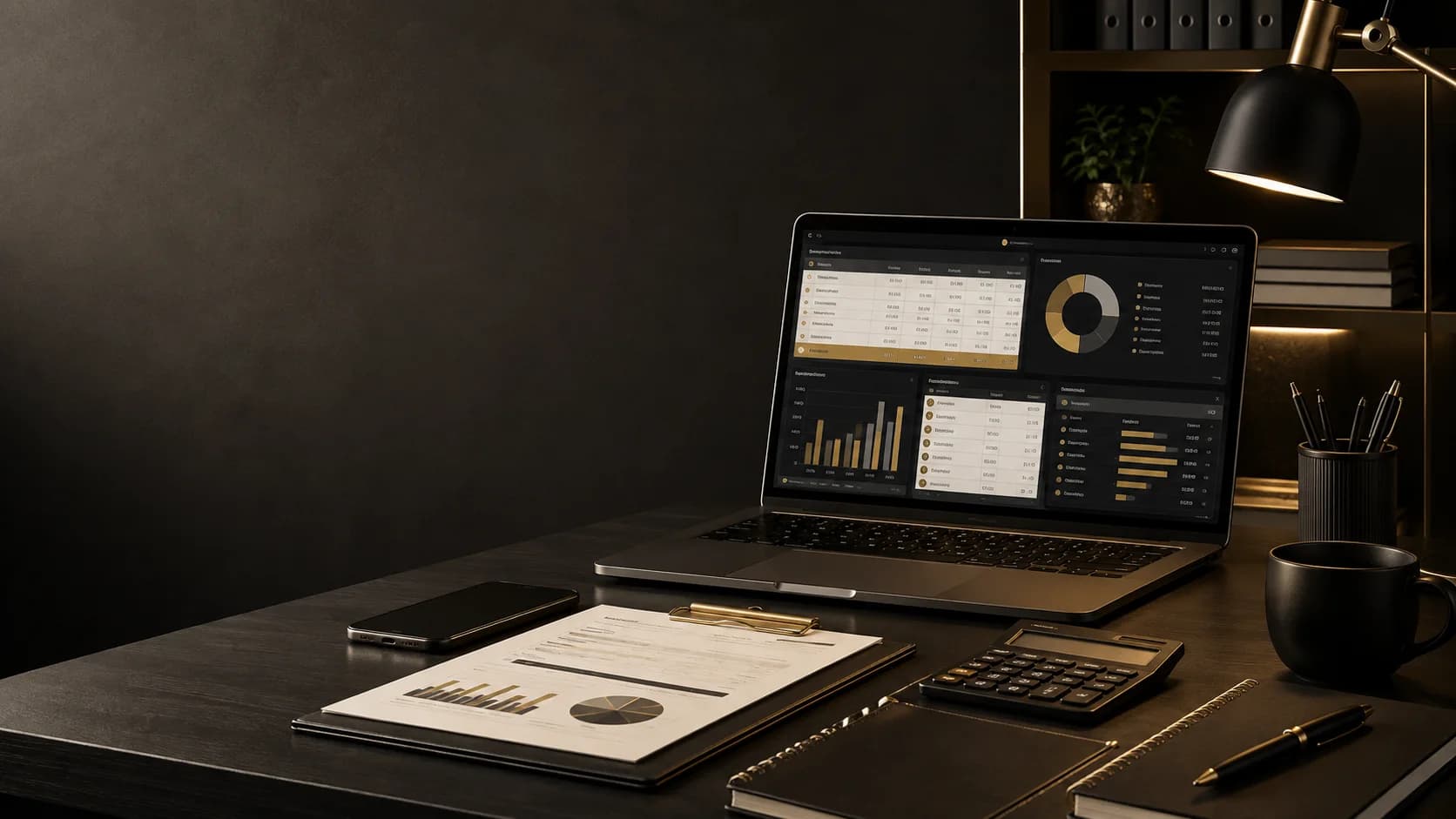
About this product
Bring freelance cash flow, budgets, and planning into one connected workbook
Budget Planner is a connected Excel workbook created for freelancers, independent contractors, and solo service providers who want a clearer view of variable income and everyday financial commitments. Track income and invoices, separate business and personal expenses, estimate tax set-asides from editable assumptions, plan savings goals, monitor debt, explore simple investment scenarios, and compare category budgets with actual spending. Formula-driven dashboard, analysis, and annual summary sheets bring the entries together for regular review. Start with the included instructions, adjust the settings, replace the sample entries with your own figures, and keep the calculation columns intact. Review the dashboard and summaries as the workbook recalculates. This workbook is an organization and planning tool. Tax, investment, and other figures are estimates based on user-entered assumptions and are not financial, tax, investment, accounting, or legal advice.
What it helps with
- Keep freelance income, business costs, and personal spending in one structured workbook
- Review key cash-flow, expense, tax, savings, debt, and budget indicators from one dashboard
- Compare planned category budgets with tracked spending and identify overruns
- Separate business and personal expenses for clearer day-to-day visibility
- Estimate tax set-asides using editable rate and payment-frequency assumptions
- Track savings goals, remaining amounts, progress, and contribution needs
- Monitor debt balances, monthly payments, and interest-based priority indicators
- Explore simple investment projections using assumptions you control
- Review monthly activity across an annual summary
- Use calculated ratings and flags to identify areas that may need attention
What is included
- One downloadable .xlsx workbook with 14 worksheets
- Dashboard with KPI summaries and a monthly trend chart
- Income Tracker with invoice, payment-status, and taxable-income fields
- Separate Business Expenses and Personal Expenses trackers
- Tax Planner with editable-assumption-based set-aside estimates
- Savings Planner for emergency funds, tax savings, buffers, and other goals
- Debt Tracker with payment and priority calculations
- Investment Planner with simple one-year and five-year projections
- Monthly Budget Plan with budget-versus-actual comparisons
- Budget Analysis and Expense Reduction Advice worksheets
- Annual Summary with monthly calculations and two charts
- Settings and Instructions worksheets for assumptions, lists, setup, and usage guidance
Who it is for
- Freelancers and independent contractors
- Virtual assistants
- Consultants and service providers
- Solo business owners who track business and personal spending separately
- People with variable or project-based income
- Users who want structured budgeting and cash-flow visibility
Requirements
- Microsoft Excel is the intended workbook environment; the minimum supported version will be confirmed before release
- Use a spreadsheet application that preserves .xlsx formulas, tables, validation, conditional formatting, and charts
- Google Sheets compatibility has not been verified
- Phone and tablet compatibility has not been verified
- Basic spreadsheet data-entry skills are required
- Replace the included sample rows with your own information
- Keep formula-driven cells and calculated columns intact
- Review and customize tax rates, targets, and alert thresholds before using the estimates
How to get started
- 1Read the Instructions sheet and review the workbook workflow
- 2Open Settings and review the tax assumptions, targets, thresholds, and list options
- 3Replace the sample tracker entries with your own information
- 4Record income, invoices, payment status, and taxable status in Income Tracker
- 5Record business and personal expenses in their separate trackers
- 6Update your savings goals, debt details, investment assumptions, and category budgets
- 7Enter any tax already paid in Tax Planner and review the estimate
- 8Keep calculated columns intact when adding or clearing entries
- 9Review the Dashboard, analysis sheets, and Annual Summary for updated results
- 10Revisit Settings whenever your circumstances or planning assumptions change
Product FAQ
Questions about Budget Planner
What file do I receive?
You receive one .xlsx workbook with 14 worksheets covering tracking, planning, settings, instructions, analysis, summaries, and charts.
Who is the Budget Planner designed for?
It is designed for freelancers, independent contractors, consultants, virtual assistants, and solo service providers managing variable or project-based income.
Does the workbook include sample data?
Yes. Sample rows demonstrate how the trackers work. Replace them with your own information before using the workbook for ongoing planning.
Does it calculate summaries automatically?
Yes. Formula-driven sheets bring tracker entries into dashboard indicators, planning estimates, analysis views, and annual summaries. Keep calculated cells and columns intact.
Does it estimate taxes?
It estimates tax set-asides using editable assumptions such as income-tax, VAT or sales-tax, self-employment-tax, buffer rates, and payment frequency. These figures are planning estimates only.
Can I use it in Google Sheets?
Google Sheets compatibility has not been verified. Formulas, validation, tables, formatting, and charts may change during conversion.
Can I use it on a phone or tablet?
Phone and tablet compatibility has not been verified. Microsoft Excel on a computer is the intended environment until mobile testing is complete.
Does it use macros?
No. The inspected .xlsx workbook does not contain VBA or macros.
Are the worksheets protected?
No active worksheet protection was detected. Take care not to overwrite formula-driven cells when replacing sample entries.
Is this financial, tax, or investment advice?
No. It is an organization and planning tool. Its financial, tax, and investment figures are estimates, so seek qualified professional advice for your circumstances.